

 LinkedIn
Your page can rank in Google and still give an AI answer engine nothing it can cite. The usual mistake is to start working through a 200-line SEO audit while a crawler is stuck at the front door.
I used to hand clients the full audit and tell them to work top to bottom. I was wrong. For AI citation, roughly six issues decide whether a bot can fetch, read and quote you at all: bot access, CDN challenges, JavaScript-only content, messy URL signals, answer-blocking templates and unclear entity markup. The order matters. If the bot cannot get in, rewriting the page is wasted effort. If it gets in but sees an empty HTML shell, polishing your schema is not the next job.
This is a triage guide, not a promise that passing six checks earns a citation. It tells you which technical obstacles to clear before you spend time on the other warnings. Start with the widest blast radius and work toward the page itself.
Why can a good SEO audit score still leave you uncited?
A standard audit can put a missing image description beside a blocked crawler. Both become issues on a list, even though they do not have the same effect on a live-answer fetch. For this job, the chain is simpler: fetch, then read, then quote. Break one link and the work downstream cannot do much for that page.
That is why I would rather see the response an AI crawler receives than a tidy scorecard. A page can carry dozens of warnings and still present a clear answer in accessible HTML. Another can look pristine in an audit while serving a challenge page to the bot that needs to fetch it. The score does not tell you which situation you have.
Our 30-day look at which pages AI crawlers actually fetch points to the same starting place: live-answer bots hit robots.txt and the homepage before they reach deeper pages. Check the entrance before you rearrange the furniture. The first useful question is not “What does the audit flag?” It is “What does the bot get back?”
Step 1: Are you blocking the bots that could surface your pages?
Start with robots.txt. It is easy to copy a broad AI-bot block from a privacy discussion without noticing that training and live-answer access are separate choices. OpenAI lists separate bots for training and search: GPTBot concerns training, while OAI-SearchBot concerns ChatGPT search. If your aim is to restrict training without shutting out search, check the rules for each bot rather than treating “AI crawlers” as one group.
Anthropic likewise documents three distinct bots: ClaudeBot for training, Claude-SearchBot for its search index and Claude-User for user-directed retrieval. Check the access decision you intended for each relevant bot and subdomain. A rule for one is not a substitute for reviewing the others.
Google is the exception worth keeping straight. AI Overviews and AI Mode do not call for extra technical requirements beyond the usual Google Search access and eligibility. Blocking Google-Extended does not, by itself, remove a page from Overviews. Check Googlebot access and page-level controls such as noindex or nosnippet on any page you want to surface.
Do not stop when the file looks permissive. Match the rule to the bot and the page you care about, then check what happens when that bot tries to fetch it. If you blocked live-answer access while trying to limit training, fix that split before touching the copy.
Step 2: Does your CDN return a page or a challenge?
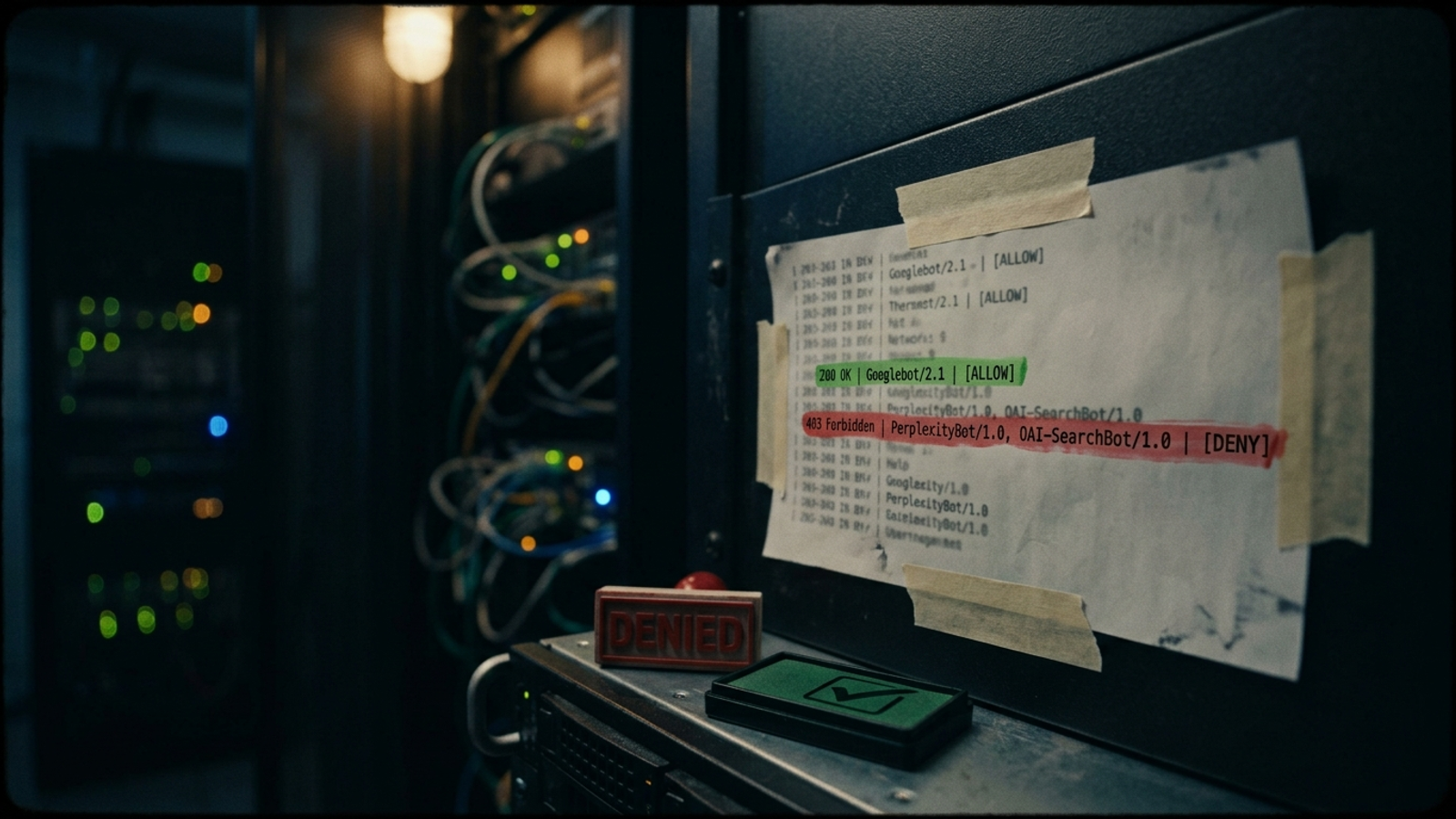
robots.txt is the gate you can read. A CDN or web application firewall can put another gate behind it. Cloudflare’s AI-bot controls can affect how automated requests are handled; a 403 or JavaScript challenge is a very different response from the page you meant to make available. A human browser may get through a challenge that a live fetch cannot complete.
Look in the logs for requests from OAI-SearchBot, PerplexityBot and Claude-SearchBot. Compare their status codes on the pages that matter with the responses those pages return to Googlebot. A run of 403s or challenge responses is an access problem, even when your robots rules say “allow.” Also check whether an older, broad Block AI Bots setting is still active alongside newer, more selective rules.
The fix is to configure the WAF to permit the verified live-answer crawlers you intend to admit, using their published IP information where the service supports that approach, and then check the logs again. Keep the training decision separate. Do not weaken your entire bot policy because one crawler needs access, and do not assume a permissive robots file overrides a block at the CDN.
This is the highest-blast-radius failure after robots access: it can affect every page behind the same rule. If the WAF gives the bot a challenge instead of your HTML, no content edit will repair that fetch. For a starting point on the access rules, use these robots.txt blocks for live-answer citations, then check that your WAF policy matches the decision.
Step 3: Is the answer in the HTML the bot receives?
A 200 response is progress, not proof that a crawler can read the page. If the useful content appears only after JavaScript runs, a raw HTML fetch may contain little more than the page shell. That matters because many AI crawlers read raw HTML rather than rendering JavaScript. Google may render a page that another fetcher does not, so a Google ranking cannot settle this check for you.
Test the URL, not the design mock-up. Run curl against the page or load it with JavaScript disabled, then look for the headline, the core answer and any details a source would need to quote. A page that displays pricing, specifications or explanatory copy only after hydration can look complete to you and thin to a raw-HTML reader.
If the answer is absent, put the quotable content in server-rendered or statically generated HTML. Keep the interactive parts for people who use them; the point is not to make the page less useful in a browser. It is to ensure the answer exists before the browser does extra work. When curl shows an empty shell, fix rendering before rewriting a sentence the bot cannot see.
Step 4: Do your sitemap, canonical and links point to the same URL?
Once the bot can enter and read, check whether your own site makes the source hard to identify. A redesign or migration can leave the sitemap pointing at an old URL, the page declaring a different canonical, and internal links using yet another version. A live fetch then has to navigate redirects and conflicting signals before it reaches the answer.
This is not a reason to panic over every trailing slash. It is a reason to remove avoidable disagreement on pages you want cited. Sitemaps containing stale URLs, redirects and canonical mismatches are a useful place to look. Pull the sitemap, check its entries for 404s and redirects, and compare the final URL with the page’s canonical and the links you control.
Choose the address you intend to keep, then make those signals agree. Do this after access and rendering: a perfect canonical cannot rescue a blocked fetch or supply missing answer text. One intended URL should be easy to find in the sitemap, in the canonical and in your internal links.
Step 5: Does the page give the bot a clean answer to quote?
Now look at the page template. A landing page can make a visitor work through a hero headline, a form, trust logos and several paragraphs of welcome copy before it answers the question that brought them there. That layout may serve another purpose, but it gives an answer engine less useful text near the top of the page.
Put a self-contained answer of roughly 40 to 60 words near the start, then develop it. Pages built for clear citation use direct answers followed by question-form headings and useful supporting formats such as bullets, tables and stats. The mechanism is plain: the reader, and any system trying to extract an answer, can find a complete statement without assembling one from fragments.
This does not mean bolting a canned paragraph onto every URL. Answer the question the page actually serves, using facts already supported on that page. If the answer needs conditions or a distinction, include them; a short answer that changes the meaning is not an improvement. Move the answer ahead of decorative or introductory copy where the template allows it, then use the rest of the page to explain it.
Read the first screen without scrolling. If you cannot find a sentence you would be comfortable seeing quoted on its own, fix the template before tuning minor audit warnings.
Step 6: Is it clear who published the answer?
A quotable answer still needs an identifiable source. This is where entity markup earns its place in the sequence. Organization and relevant Article or Product schema can state the name associated with the site and page; fields such as author, datePublished, dateModified and sameAs links can help keep that identity consistent with what readers see.
Do not sell schema as a citation switch. Google says no special schema is required for AI Overviews, and markup cannot make an inaccessible page accessible. Its job here is narrower: remove avoidable ambiguity, particularly when a brand name could refer to more than one organization.
Use the relevant markup, keep names consistent with the visible page, and make dates reflect substantive updates rather than changing them for appearances. Clear identity supports a clear answer; it does not replace one.
Which audit warnings can wait?
Once you have checked those six blockers, return to the wider audit. Until then, I would not let alt-text length, meta-description character counts, H1 keyword order, image compression scores or an orange warning about outbound links displace an access failure. Those items may deserve work for other reasons. They do not belong ahead of a crawler receiving a challenge or an answer missing from HTML.
This is the distinction a 200-line report tends to flatten. It gives you a queue, not necessarily a causal order. A Core Web Vitals improvement cannot turn a 403 into a readable page. A polished meta description cannot supply text that appears only after JavaScript runs. If a task does not change whether the bot can fetch, read or quote this page, it waits until those checks pass.
What should software that promises to fix this actually show you?
Another long audit is not much help if you already know the account has problems. I want software to follow the fetch chain: check the intended bot access, show the responses those bots receive, inspect whether answer copy is present without JavaScript, and flag disagreement among sitemap, canonical and internal links. Then it should help fix the page-level answer and identity issues. A severity badge is not a substitute for seeing what failed.
That is why I point businesses that want the work done rather than documented to how groas fixes technical issues that hurt AI visibility. The point is continuous checking and execution, not another PDF for a developer to interpret later. Ask what the tool observed and what it changed. If it cannot show the bot response or the HTML it inspected, treat its diagnosis as a guess.
Order the work by blast radius, then close the issue. A prettier report does neither.
What is the checklist to run before touching anything else?
Keep this beside the audit and work in order. Stop when a check fails, fix it, and then continue; later page edits cannot compensate for a failed access check. The last item repeats the WAF test deliberately, because changing a rule is not proof that the next fetch succeeds.
- Check
robots.txtfor live-answer bots. ReviewOAI-SearchBotandClaude-SearchBotseparately fromGPTBotandClaudeBotif you want to limit training. - Check the CDN or WAF response. Look for 403s and challenges in the logs, not just an “allow” in
robots.txt. - Confirm
Googlebotaccess and check that wanted pages do not carrynoindexornosnippet;Google-Extendeddoes not control Overviews. - Fetch your priority pages without JavaScript. If the answer copy is absent from the HTML, fix rendering.
- Crawl the sitemap for dead and redirected URLs, then align each intended URL with its canonical and internal links.
- Put a self-contained answer near the top of the page and support it with clear headings and relevant detail.
- Add relevant Organization and Article or Product markup, keeping names, authors and dates consistent with the visible page.
- Re-check verified crawler requests in the WAF logs for a successful page response. Teams skip this confirmation; the cost is doing every page fix above while the fetch still fails.
Pick one priority page today and run the short version before opening the full audit: inspect robots.txt, check the WAF response, then use curl to see whether the answer appears in the HTML. Those checks tell you whether to work on access, rendering or the page itself. They also keep you from spending a month editing copy that a live fetch never receives.
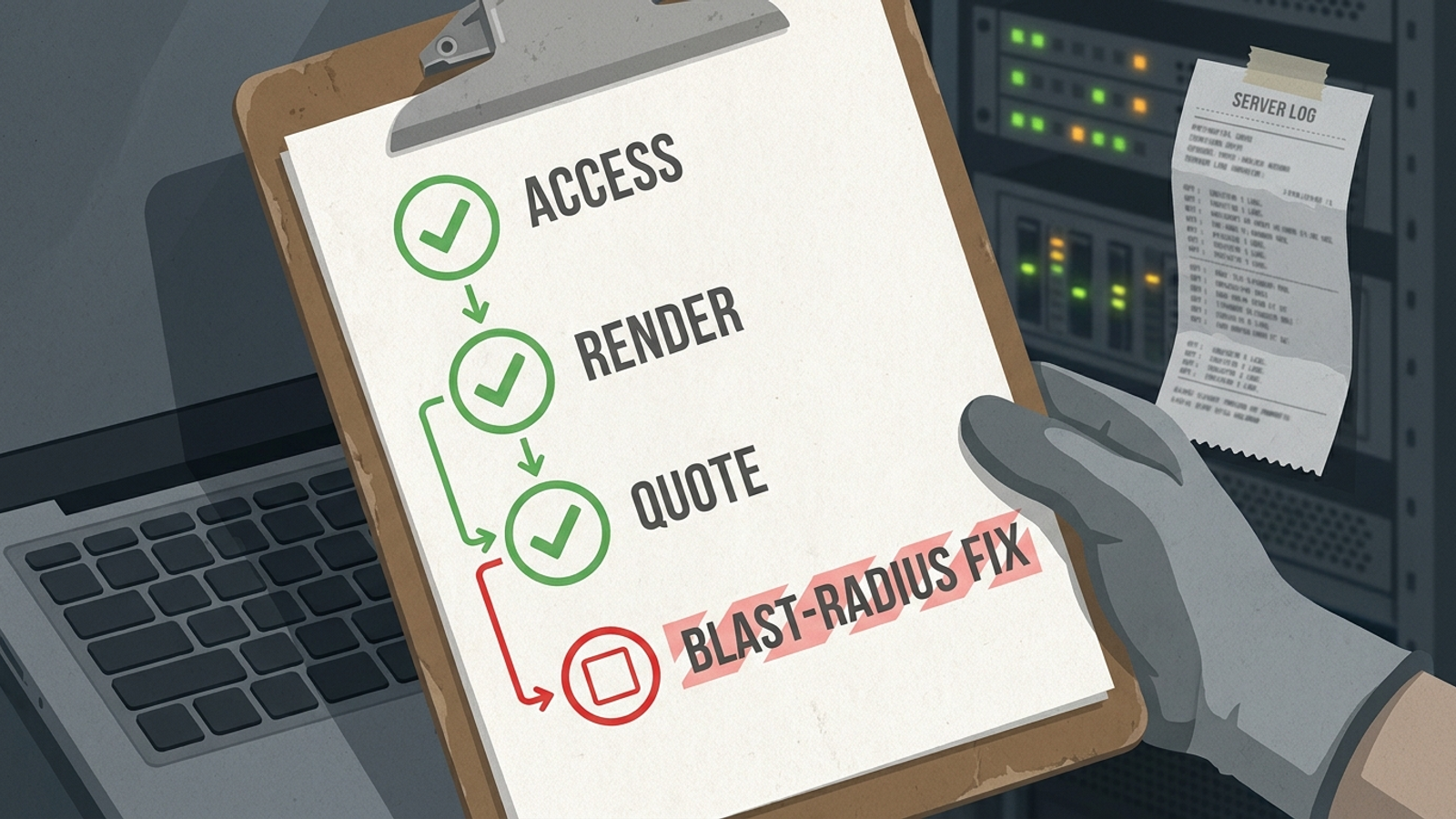
If the bot gets the page and the answer is there, fix the first screen next. Give it one direct answer, one clear identity and one intended URL. Start with the fetch today. The other audit warnings can wait their turn.