

 LinkedIn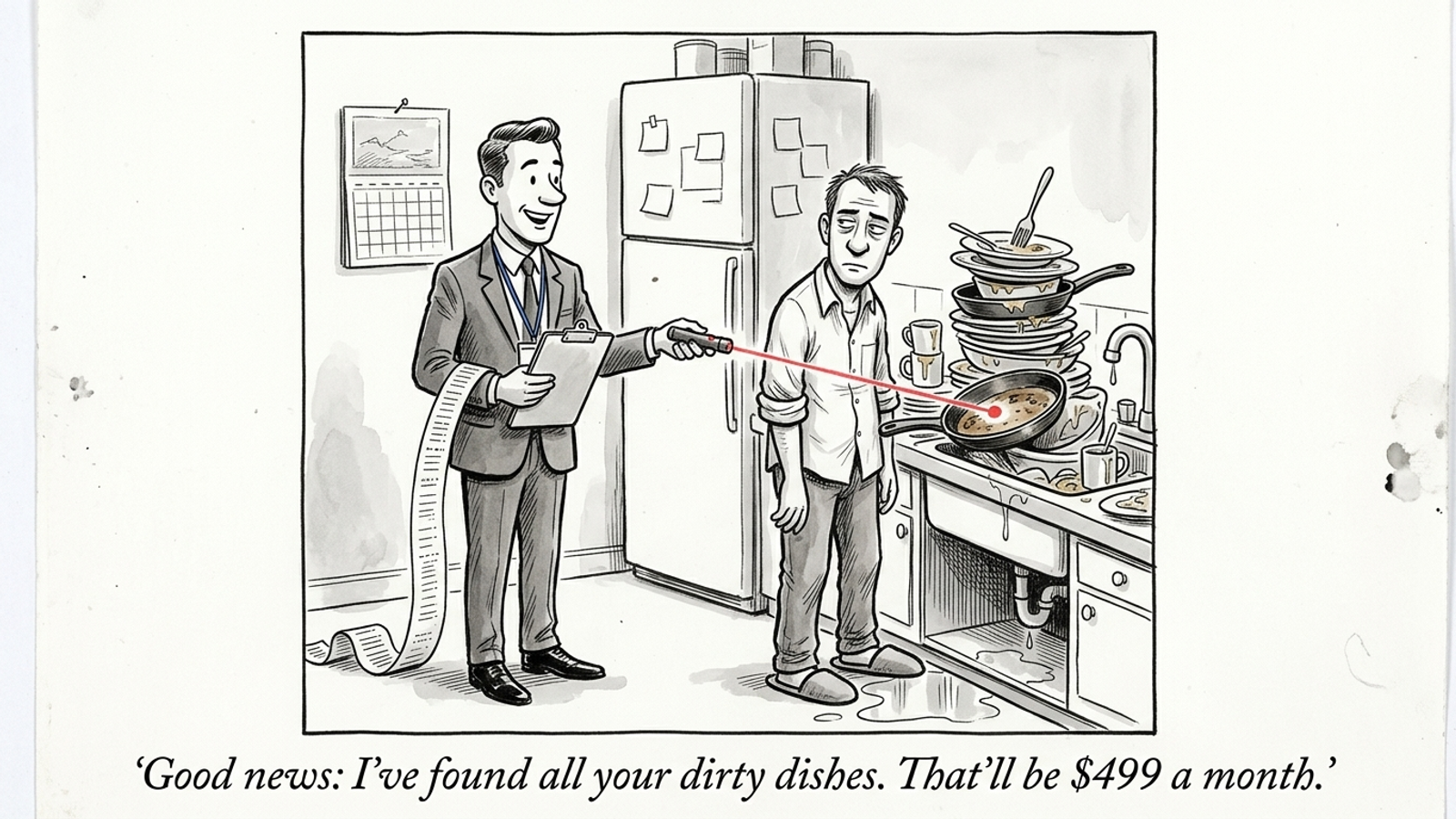
Most AI search visibility software is a monthly subscription to a list of reasons you aren’t cited. You sit through a thirty-minute demo while an account executive screenshares a dashboard bathed in pastel warning indicators. They type in your commercial search queries, point to a chart showing competitors winning 84% of the citations in Google AI Overviews and ChatGPT, and look at you like an oncologist delivering bloodwork. Then they ask for a corporate credit card so you can log in every morning and watch yourself lose in real time.
I’ve spent years watching marketing software companies pull this trick. They sell the diagnosis as if it were the cure. You pay between $100 and $1,000 a month for a platform that checks search engines, flags that a competitor appeared in an answer about commercial espresso machines, and drops an alert into your inbox. What does it do to get your page cited instead? Nothing. It doesn’t touch your code, rewrite your messy product comparison table, or deploy a byte of structured data. It logs the failure, rolls it into a proprietary Visibility Score, and leaves the fix in your backlog.
I’ve seen this product before. It’s the Google Ads recommendations tab with a new logo: diagnose the problem, assign you the homework, and grade you for doing it. AI visibility startups have stripped out even the courtesy of an auto-apply button and turned passive observation into an enterprise SaaS category.
The recommendations tab found a new market
It assigns the work, then grades you for doing it
Every media buyer knows the feeling of opening Google Ads to a warning banner declaring an Optimization Score of 61%. Google ties a 70% Optimization Score to Google Partner status. The score measures whether you’ve followed Google’s suggestions, not whether your campaigns drive profitable revenue. In one practitioner discussion of scores and performance, an account at 99% was wasting nearly a fifth of its spend on non-converting search terms with inflated CPCs, while a lean, profitable account in the same vertical sat at 49%. We covered the same trap in why grader scores don’t fix campaigns: the tool grades compliance with its model, not your bank balance.
Answer Engine Optimization software borrows the score and the guilt-trip interface. Platforms like Profound track a Visibility Score or Share of Voice across a batch of prompts. You log in to see your score at 0.4% while a rival sits at 12.8%. The chart slopes downward like a ski run. There are red badges, alerts, and PDF summaries for your executive team. None of those changes a digit on the chart.
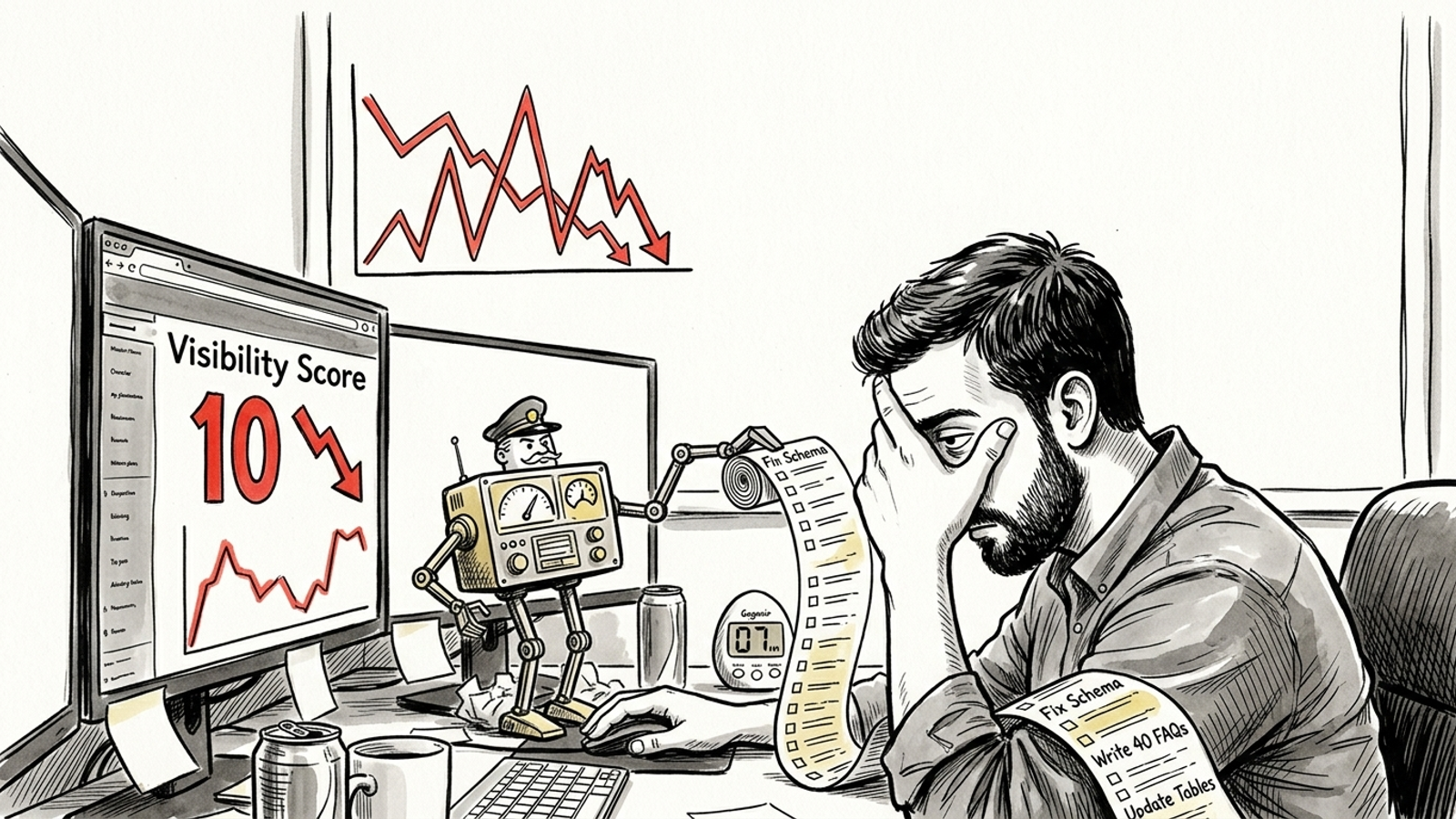
The homework comes right back to you: incomplete schema markup, thin author bios, no clear comparison matrix on the pricing page, FAQs that dodge direct questions. Congratulations. You’ve paid three figures a month to learn you need engineering time and a copywriter. You bought a digital hall monitor who points at your unwashed dishes and invoices you for the observation.
Worse, the score gives the work an air of precision it hasn’t earned. Your team can spend its next meeting debating why one prompt moved up and another moved down. Meanwhile, the comparison page still dodges the question the buyer asked. The dashboard has turned a publishing problem into a reporting ritual. Everyone can see the red badge; nobody has been assigned the page.
A score can describe the gap. It cannot close it.
A dashboard cannot publish a citable page
AI engines read pages, not alerts
Look at what the monitoring tool is watching. Whether Google AI Overviews generates a summary or Perplexity pulls a source block, the answer depends on what an engine can find and use from pages, not on the warning in your dashboard. Crawlers encounter HTML, page structure, factual claims, and direct answers. If your product comparison sits inside a client-side JavaScript tab, pricing hides behind a form modal, or core terms are buried in muddled markup, another alert about a missed citation leaves the page exactly as it was.
The fix has to meet the problem where it lives. A buried answer needs clearer copy on the page. A confusing comparison needs a useful comparison, not another chart comparing your share of voice with a rival’s. A technical obstacle needs someone who can change the site. None of that is glamorous. It is also the part that might make the next check worth running.
AI engines cite pages, not monitoring notifications. Somebody has to make the page clearer, publish it, and check what happens next. Watching a prompt more often won’t do that work.
The alert becomes someone else’s ticket
The fatal flaw shows up two minutes after the notification arrives. The software says you need updated entity schema and three direct-answer paragraphs for a competitive search cluster. Now what? The marketing lead writes a Jira ticket. Developers say the CMS template is locked until next quarter. A copywriter drafts a generic FAQ section that muddies the page rather than clarifying it. By the time the manual loop finishes, the opportunity has moved on. In discussions of Peec, Otterly, and Profound, practitioners describe the same frustration: reporting overhead, not an engine that changes the site.
Notice where responsibility goes in that sequence. The vendor reports the omission. Marketing decides whether it matters. A writer tries to translate a recommendation into something a person would want to read. Engineering has to fit it into a template. Then someone needs to check the live page rather than assume the ticket marked “done” changed what an engine can see. The alert is the smallest piece of the job, but it’s the piece the subscription sells.
This is why people looking for tools to get featured in Google AI Overviews, not just monitored come out of software trials annoyed. They bought a speedometer when the engine was on fire. The dashboard can show where they stalled; it can’t get under the hood. If software can’t write the copy, fix the page structure, deploy the schema, and check the result, it hasn’t solved the visibility problem. It has charged a monthly tax to witness it.
The per-prompt bill is the tell
If you want to know whether a company sells execution or an overpriced meter, inspect the pricing page. Otterly’s Lite plan starts at $29 a month for 15 tracked prompts across four engines. Tracking 100 prompts costs $189 a month; extra bundles run $99 per 100 prompts, while Gemini, Claude, and Google AI Mode are separate add-ons. With Peec AI, you can face €85 to €95 a month for 25 to 50 prompts across three models. You’re paying a per-question tax to learn that an answer engine skipped your domain.

Think about an ecommerce store with forty SKUs or a B2B SaaS business serving three buyer personas. Fifty prompts may not cover the variations of its main commercial queries, let alone its product comparisons. When the allowance runs out, what did the bill buy? It didn’t produce a technical explainer, test a schema update, or straighten out conflicting facts on a pricing page. It recorded the trip. The fare kept climbing.
More prompts can give you a broader view. I’m not arguing against knowing where you stand. I’m arguing against treating the breadth of a report as evidence that anything improved. If the first batch of prompts identifies a page your team cannot update, buying a larger batch identifies more pages your team cannot update. That is not a plan. It is a more comprehensive inventory of unfinished work.
Google Ads automation makes this comparison almost insulting. In Ads, auto-apply recommendations can change live accounts: bids, match types, and other settings can move without an operator clicking through each suggestion. That is its own problem if nobody is supervising it. But AI visibility vendors have copied the diagnostic scolding without building an execution layer. You get the anxiety of a failing report card and none of the machinery needed to improve the grade.
Don’t confuse more frequent measurement with progress. A prompt allowance determines how often you can watch the problem. It says nothing about who fixes it.
Three questions I’d ask before paying
When a sales rep opens a deck for an AI visibility platform, stop at the first vanity chart. Ask three operational questions before you hand over billing details:
- Who publishes the page?
- Who fixes the underlying template?
- Where is the record of what actually changed?
If the answer is that your team will receive visibility so it can prioritize optimizations, you have your answer. Your team does the work. The platform sends reminders.
Who ships the copy and the code?
Ask it plainly: When an answer engine skips us on a high-intent query, who writes the page, restructures the JSON-LD, and publishes the change in our CMS? If the vendor gives your team an alert and a recommendation card, it has moved the task from one queue to another. Your developers and writers still have to find time for it.
Push past “we help your team prioritize.” Prioritizing tells you which ticket to open first. It does not tell you who owns the draft, who can touch the template, or who checks the published result. Those are separate jobs, and they’re easy to hide inside the word optimization. If the demo ends before anyone names the person or system that makes the change, you’re looking at a workflow with its last step missing.
The hard part isn’t discovering that an AI answer omitted your product. It’s building a useful comparison matrix, clearing a rendering roadblock, deploying entity markup, and publishing factual documentation. I respect that work precisely because it takes work. Calling the resulting checklist an execution product doesn’t make it one.
Where can I see what changed?
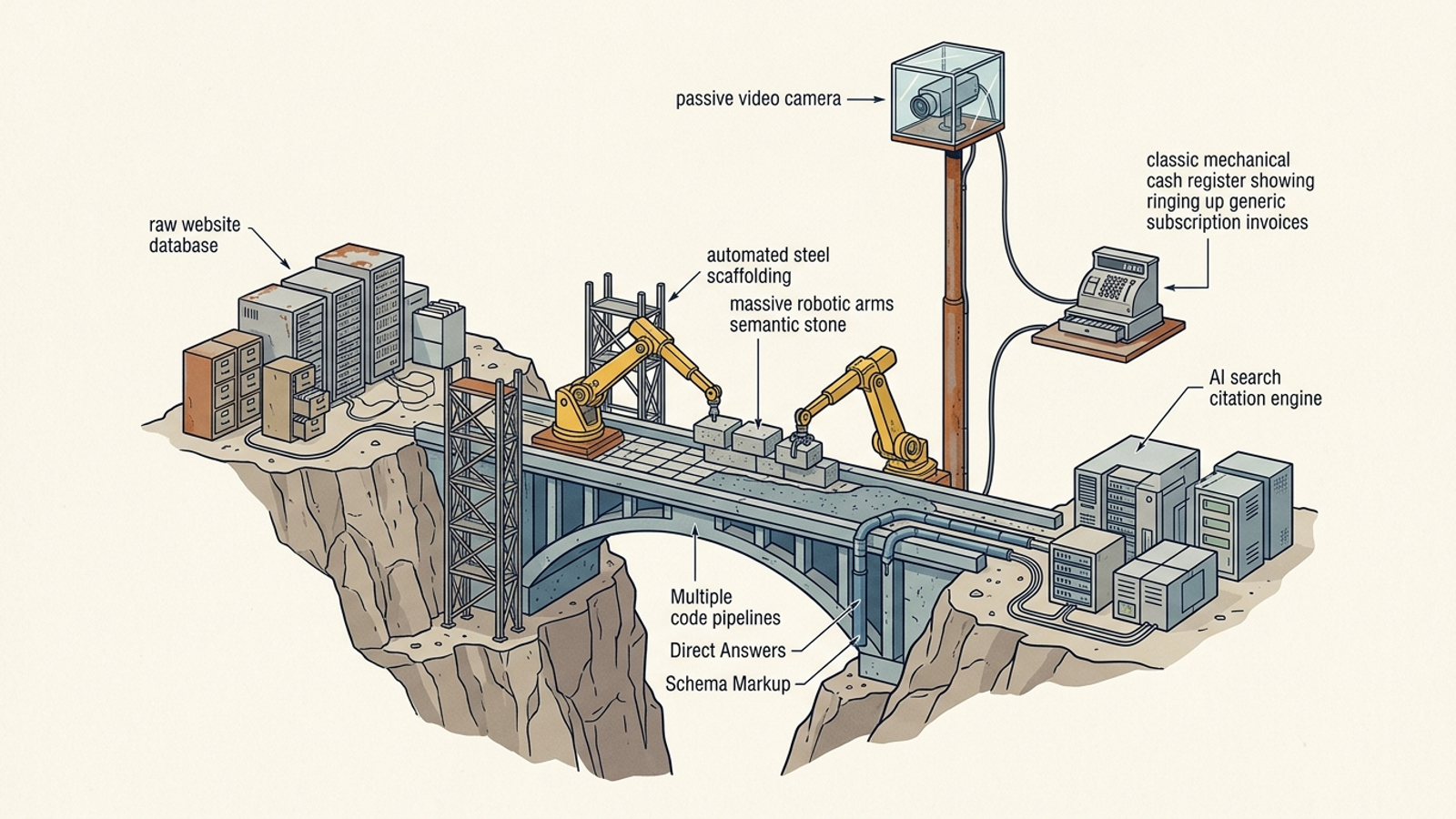
Ask for the action log. Not a pastel chart of competitor citations: a record of copy, code, and settings changed in the live environment, with the reasoning beside each action. A recommendation card tells you what might be worth doing. An action log lets you inspect what was done. That distinction matters when a reported improvement prompts the obvious follow-up: What changed on our site? If nobody can answer without reconstructing a chain of tickets, emails, and dashboard exports, the reporting layer is ahead of the operating model.
That is where groas separates itself from passive reporting tools. It is a fully autonomous growth engine for paid and organic search built to execute around the clock. Its specialized AI models draft and publish targeted pages, address technical obstacles, and structure entity data for AI search surfaces including ChatGPT, Perplexity, Gemini, Claude, DeepSeek, Grok, and Google AI Overviews. A named senior strategist sets guardrails and remains accountable for revenue outcomes. Actions appear with plain-language reasoning in a live log, also accessible through the groas MCP interface.
That distinction is the whole buying decision. Pay for the work and a record of it, not a prettier account of what your team still needs to do.
Buy the thing that ships
If all you want is AI search visibility reporting, a scrape-and-notify dashboard will take your credit card and fill a monthly slide deck. Fine. Just don’t mistake the deck for a fix. Reporting is an autopsy: it shows where you lost after the opportunity has passed. An alert cannot get a page cited in an AI Overview. Clear, factual, crawlable content has to make it onto the site first.
Stop paying for the privilege of receiving an unworked to-do list. Search marketing spent years treating the identification of a problem as though it were the solution. Agencies billed for audit decks. Software vendors color-coded those audits and charged seat fees. Google put suggestions in a recommendations tab and attached a score. Each version left a gap between knowing what was wrong and doing the work.
That is the gap I want a product to close. If it cannot author the content, deploy the structured data, make the needed changes, and show you what it did, leave it on the shelf. You do not need another dashboard to interpret. You need the work completed.
Buy the thing that ships.